
An effective offshore operating model connects financial control, people management...
IT Support for Distributed Teams: A Complete Global Guide (2026)
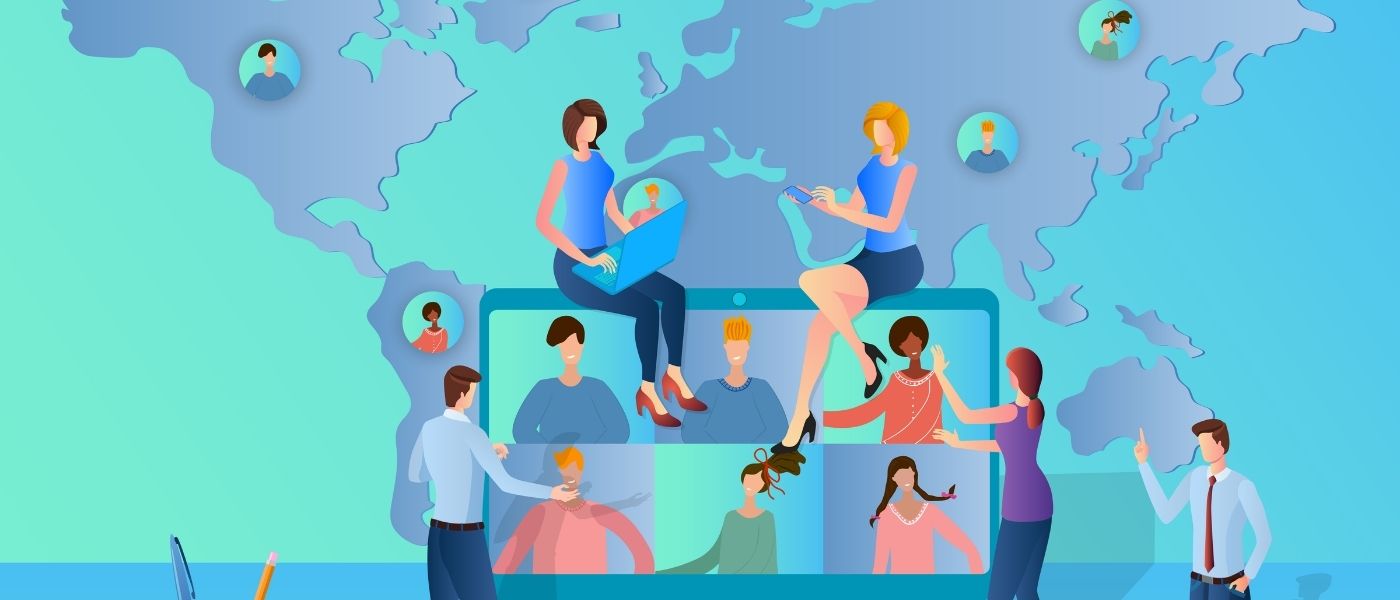
The rise of distributed teams has transformed how modern businesses operate. No longer limited by geography, time zones, or rigid office structures, organizations now hire global talent, run hybrid teams, and operate 24×7 across regions. While this model unlocks productivity, cost advantages, and agility, it also introduces a critical dependency: strong, scalable, and secure IT support.
In 2026, IT support is no longer a reactive helpdesk function. It’s a global, proactive, security-first capability that ensures employees can collaborate seamlessly—from home offices to coworking hubs to regional satellite centers.
This complete guide breaks down everything business leaders, CIOs, CTOs, and operations heads must know about enabling distributed workforces with the right IT support. From infrastructure and cybersecurity to SLAs, tools, staffing models, and offshore support, this is your all-in-one playbook.
Understanding IT Support for Distributed Teams
What Is a Distributed Team?
A distributed team is a workforce spread across multiple geographic locations, including:
- Remote employees
- Hybrid workforces
- Global hubs and micro-offices
- Customer-facing regional teams
- IT, engineering, design, and support teams working in various time zones
Unlike traditional remote teams, distributed teams rely heavily on:
- Cloud technologies
- Secure access
- Unified communication tools
- Always-available technical support
To sustain this setup, companies often depend on skilled IT staff augmentation and remote workforce management models.
1.2 Why IT Support Matters More Than Ever
Distributed teams cannot walk up to a helpdesk. Their productivity depends entirely on the:
- reliability of systems
- speed of issue resolution
- quality of cybersecurity
- availability of collaboration tools
- consistency of IT policies across regions
One unresolved VPN issue or laptop crash can halt a team’s operations. That is why distributed organizations require IT support that is:
- Global
- Scalable
- Multi-time-zone enabled
- Security-driven
- Process-automated
Core Challenges of IT Support for Distributed Teams
Distributed teams face unique constraints that traditional IT infrastructures were not designed for.
Infrastructure Fragmentation
Employees use:
- different laptops
- varied Wi-Fi speeds
- personal and office networks
- regional cloud instances
This makes standardized IT operations difficult.
Security Vulnerabilities
Common distributed-work security risks include:
- unsecured home networks
- device theft
- phishing and social engineering
- outdated OS or software
- shadow IT tools used without approval
IT must secure endpoints and behaviors.
Time Zone Gaps
When teams are global, issues can arise when support is offline. A developer in Singapore or a marketer in South Africa cannot wait for US business hours.
Collaboration Breakdowns
Technical issues often disrupt:
- meetings
- file sharing
- version control
- cloud access
- task tracking
Lack of unified tools multiplies complexity.
Inconsistent IT Policies
Different regional policies create operational gaps:
- password rules vary
- security patches are inconsistent
- onboarding differs by location
Distributed teams need unified standards.
Hardware Management
Challenges include:
- provisioning devices
- global shipping delays
- asset tracking
- remote repair or replacement
- return logistics for offboarding
Building the Ideal IT Support Model for Distributed Teams
An efficient global IT system must be designed for scale, consistency, and speed.
The Five Pillars of Distributed IT Support
Pillar | Description |
Reliable Connectivity | VPN, SD-WAN, Wi-Fi security, cloud access |
Device & Endpoint Security | Zero Trust, MDM, patching |
Global Service Desk | 24×7 support, multilingual capabilities |
Automation & Monitoring | RMM, alerts, self-healing systems |
Compliance + Governance | Standard policies across geographies |
Types of IT Support Models for Distributed Teams
In-House IT Support
Best for mid-to-large enterprises.
Pros: control, culture alignment.
Cons: high cost, limited global availability.
Managed IT Service Providers (MSPs)
External vendors providing end-to-end IT support.
Pros: cheaper, global coverage.
Cons: slower customization.
Hybrid Offshore IT Support (Popular in 2026)
A blend of internal IT + offshore teams (India, Philippines, LATAM).
Benefits:
- 24×7 coverage
- lower costs
- access to specialized skills
- ability to scale up or down quickly
Highly recommended for distributed teams.
Fully Offshore IT Support (India-Led Model)
India remains the global leader in technical support talent.
Pros: scalable, affordable, enterprise-grade maturity.
Cons: requires strong onboarding and governance.
Key IT Support Functions for Distributed Teams
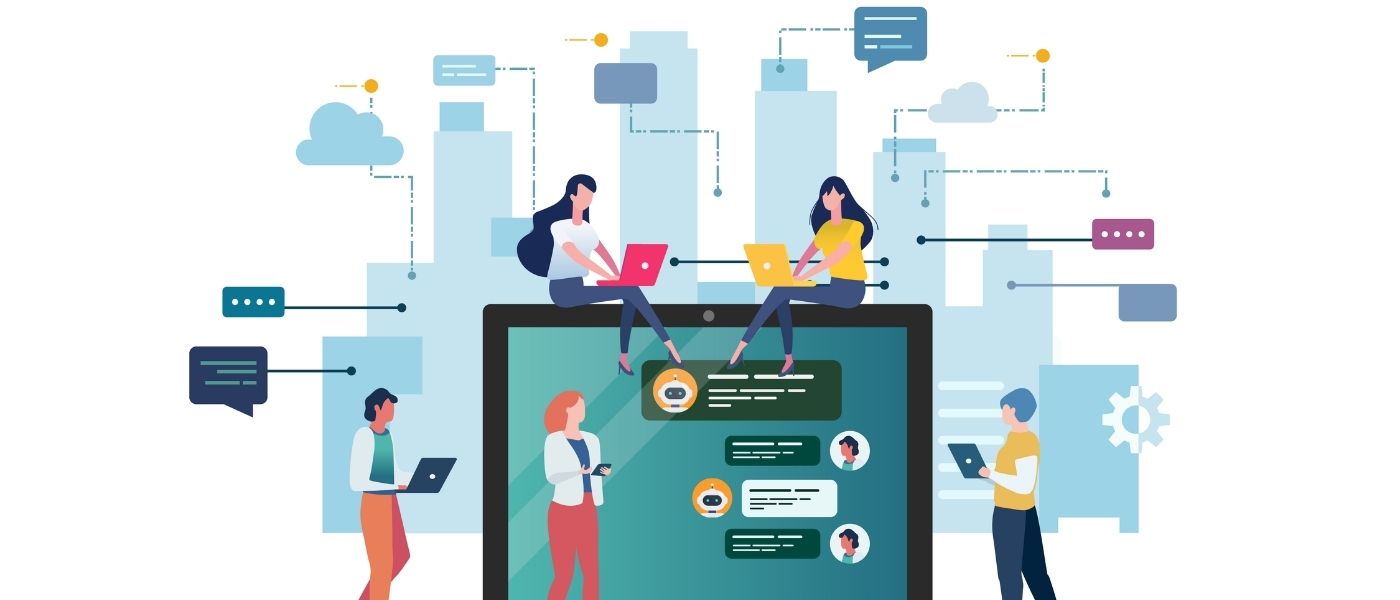
Helpdesk & Technical Support
- Troubleshooting
- Device errors
- VPN issues
- Email & MFA support
- Collaboration tools (Teams, Slack, Zoom)
Helpdesk tiers:
- L1: Basic troubleshooting
- L2: System admin-level
- L3: Deep technical support
Cloud Infrastructure Support
Distributed teams depend heavily on cloud ecosystems:
- AWS
- Azure
- GCP
- SaaS tools
Support includes monitoring, cost optimization, and access control.
Endpoint Management
Tools include:
- Intune
- Jamf
- Kandji
- Workspace ONE
Capabilities:
- remote wiping
- patch management
- policy enforcement
- MDM and MAM
Cybersecurity Support
Key distributed-team security layers:
- Zero Trust architecture
- MFA & IAM support
- Identity lifecycle management
- Threat detection & response (SOC)
- Endpoint Detection & Response (EDR)
Network & Connectivity Support
Distributed workers require stable access to:
- VPN
- SD-WAN
- SASE frameworks
- network monitoring
Collaboration Tools Support
Essential for productivity:
- communication tools
- project management
- version control
- shared drives
- calendars and workloads
Onboarding & Offboarding
For distributed teams, IT must:
- provision devices remotely
- manage access rights
- set up tools
- run orientation sessions
- revoke access instantly on exit
The Global Infrastructure Stack for Distributed Teams
Distributed Work Tech Stack
Your stack should include:
Security
- VPN / Zero Trust
- MFA / SSO
- EDR
- MDM/MAM
Connectivity & Workflow
- Remote desktops
- Cloud storage
- Project management
- VoIP
Support & Monitoring
- RMM tools
- ticketing systems
- asset tracking
Offshore Support Model
India-based teams handle:
- L1, L2
- Infrastructure monitoring
- Endpoint management
- Cloud operations
- Security operations
Multi-Language Support
Required for global teams:
- English
- Spanish
- Korean
- Japanese
- French
- German
Cybersecurity Framework for Distributed Teams
Zero Trust Implementation
Trust no device. Verify everything.
Controls include:
- identity-based access
- micro-segmentation
- continuous verification
Secure Access & Authentication
- MFA
- SSO
- password rotation
- conditional access
Home Office Security
Providing employees with:
- secure routers
- VPN tools
- device encryption
- approved SaaS tools
Incident Detection & Response
- SIEM
- SOC
- threat monitoring
- anomaly detection
IT Governance & SOPs for Distributed Teams
Key policies include:
- Acceptable Use Policy
- Device Usage Policy
- Password Policy
- Data Governance
- Remote Work Security Policy
- Cloud Usage Policy
Hardware, Asset Management & Global Logistics
Distributed teams need:
- global vendors
- device shipping and replacement
- asset tracking
- remote repairs
Tools: ServiceNow, Ivphub, and Jira.

Best Practices for IT Support for Distributed Teams
- Standardize Everything
Policies, tools, onboarding, and support levels.
- Cloud-First
Enable anywhere access.
- Security-by-Design
Embed security from day one.
- Clear SLAs
Response time, uptime, resolution.
- Documentation Culture
Knowledge base, runbooks, playbooks.
- Automation Everywhere
Auto-ticket creation, patching, alerts.
How Offshore IT Support Strengthens Distributed Teams
India and Philippines are leading destinations due to:
- large talent pools
- lower costs
- English fluency
- 24×7 capability
- enterprise-grade expertise
Offshore teams support:
- helpdesk
- NOC
- SOC
- endpoint management
- cloud operations
- DevOps & infra
Checklists & Templates
Distributed IT Support Readiness Checklist
- Unified communication tools
- Strong endpoint security
- Global support coverage
- Automated monitoring
- Clear SLAs
- SOPs and documentation
- Backup & DR strategy
Conclusion
Distributed work is the future—and IT support is its backbone. Organizations that invest in scalable global IT capabilities enable their teams to collaborate effortlessly, stay secure, and maintain peak productivity regardless of location.
With the right mix of cloud technologies, cybersecurity frameworks, automation, and global support teams (including offshore capabilities), businesses can build a world-class distributed workforce.
Recent Post
Build or Buy AI: A Decision That Keeps Business Goals Ahead of Technology
Build or Buy AI: A Decision That Keeps Business Goals...
Why AI Automation Projects Get Stuck at the Pilot Stage – And What Businesses Should Do Next
Why AI Automation Projects Get Stuck at the Pilot Stage...

iValuePlus Services
iValuePlus is a one-stop solution to address all your needs to access, build and grow your business in the Indian market which is cost-effective & has a huge talent pool. Established in 2019 as a ‘Business Solution provider', our team has delivered successful growth projects in the international market.
Our services include setting up ODC (offshore development center), Staff Augmentation, Talent Acquisition, Digital Marketing, in the IT/ITES domain.